
WeightManager
Free · one banner ad, removable with a one-time purchase
I've been lifting for over twenty years, through many bulk (weight gain) and cut (weight loss) phases. Weight tracking turned out to be extra work on top of the training itself. For years I tracked my weight in spreadsheets — exporting, averaging, fitting a trend line by hand every week — because none of the apps I tried would show me a moving average, a trend line, and clear statistics on how much the average weight had actually changed. Eventually I built the tool I wanted. That's what WeightManager is.
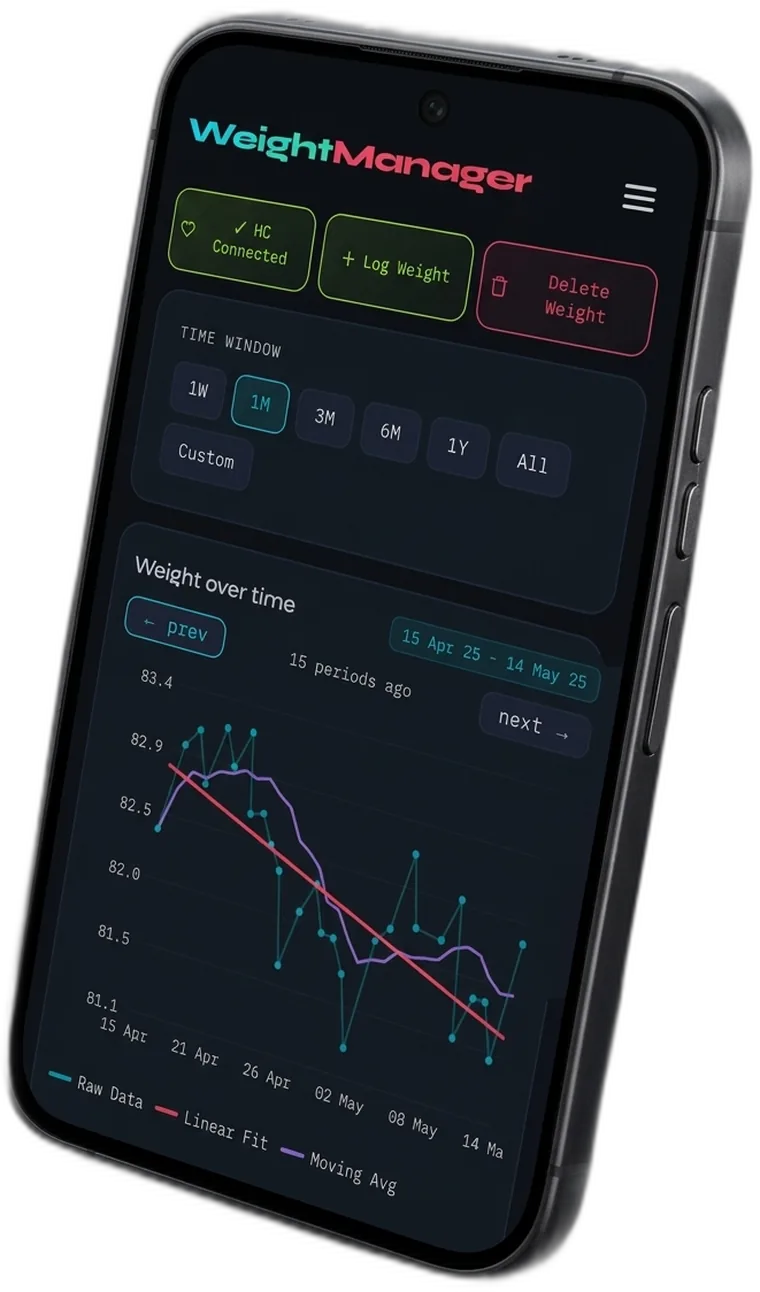
Body weight moves several hundred grams a day for reasons that have nothing to do with fat. WeightManager records the raw number and draws the trend underneath it, so you can see the direction instead of reacting to the noise.
What it does
Features- Daily weight log. Add an entry in a couple of taps, and if a day already has entries, choose whether to add another measurement or overwrite the day. Multiple entries on one day are averaged into a single daily value.
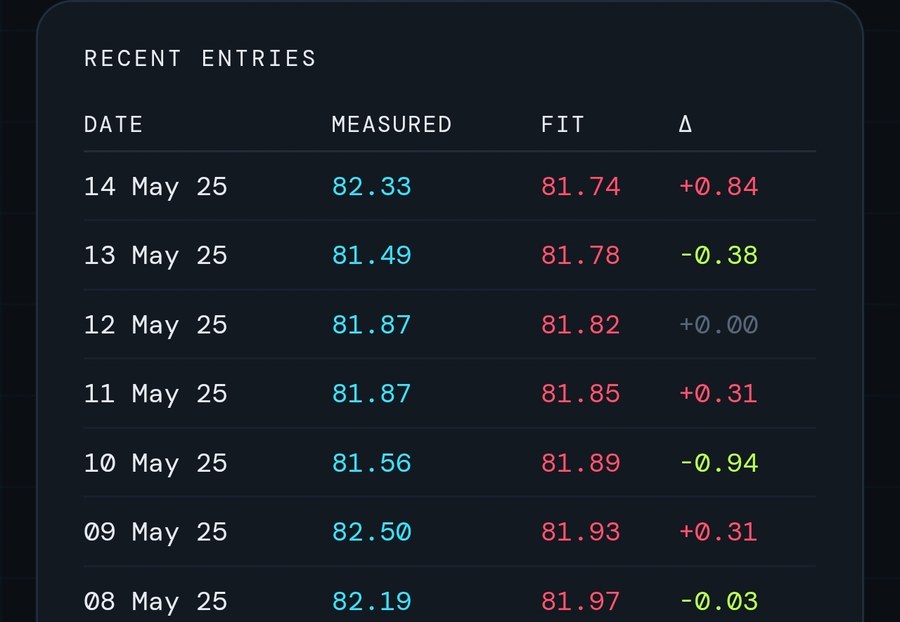
- Health Connect, both ways. Import your full weight history from Android's system health database — including records older than 30 days — and have new entries written back automatically. If you own a smart scale that writes to Health Connect through its own app, every weigh-in flows into WeightManager — step on the scale, and the chart is already up to date.

- Three chart layers. Raw measurements, a moving average that smooths out water weight and time-of-day swings, and a linear trend line — each toggled independently.
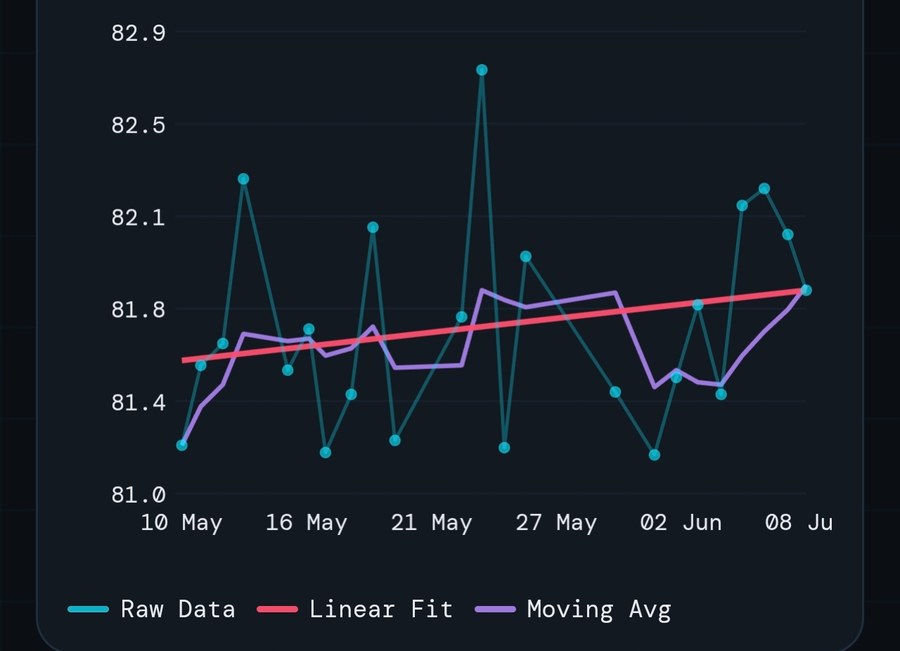
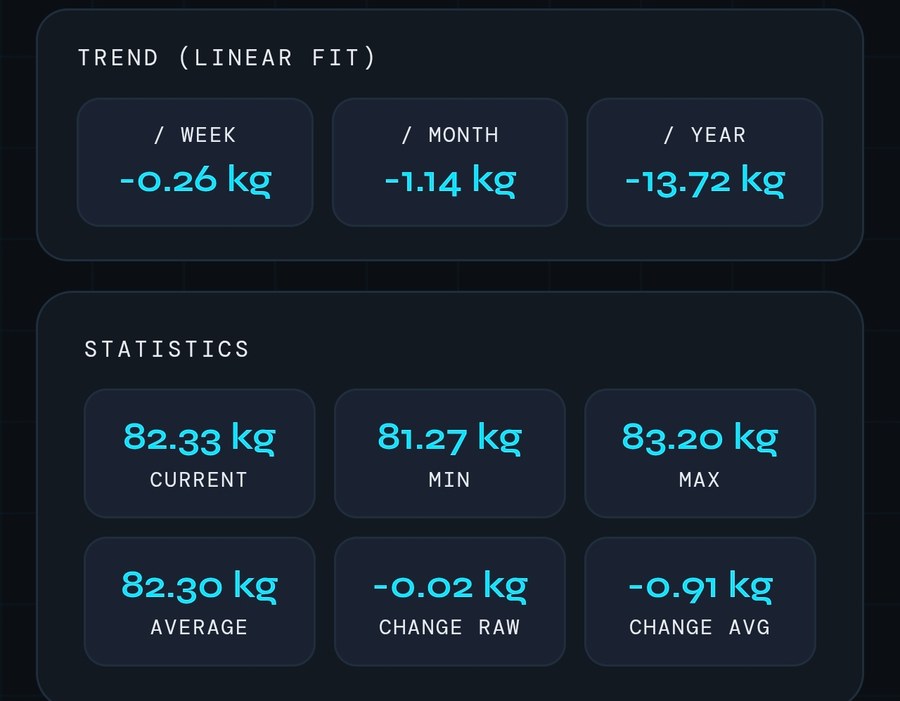
- Trend read out in numbers. The linear fit is reported as change per week, per month and per year, alongside current, min, max, average and total change over the visible window.
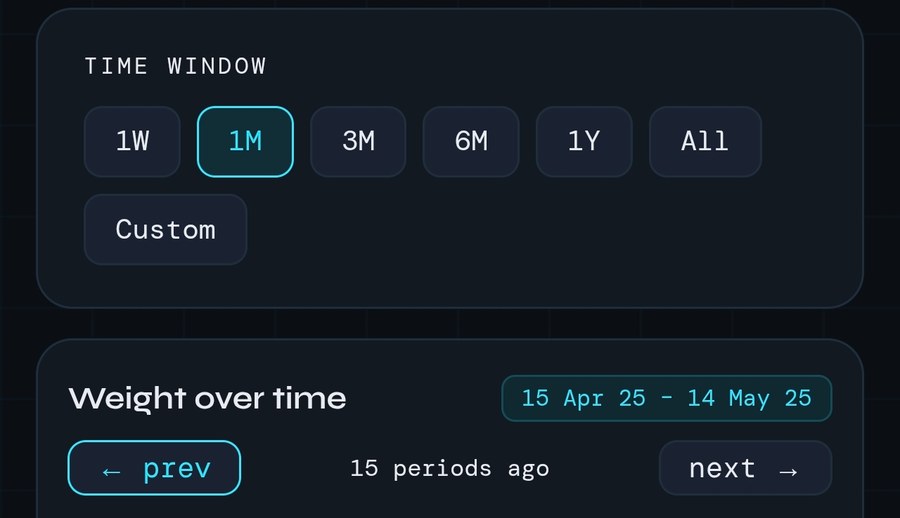
- Scrollable time window. 1 week to 1 year or all of it, with arrows to step back and forth one window at a time.
- CSV import and export. Take everything with you as a plain text file. It is your data, and it should never be stuck in my app.
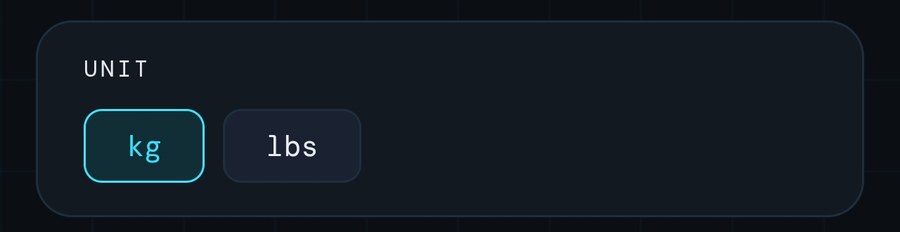
- Metric and imperial. Kilograms or pounds, switchable at any time.
- Five languages. English, German, Italian, Spanish and French, with a built-in user manual in each.

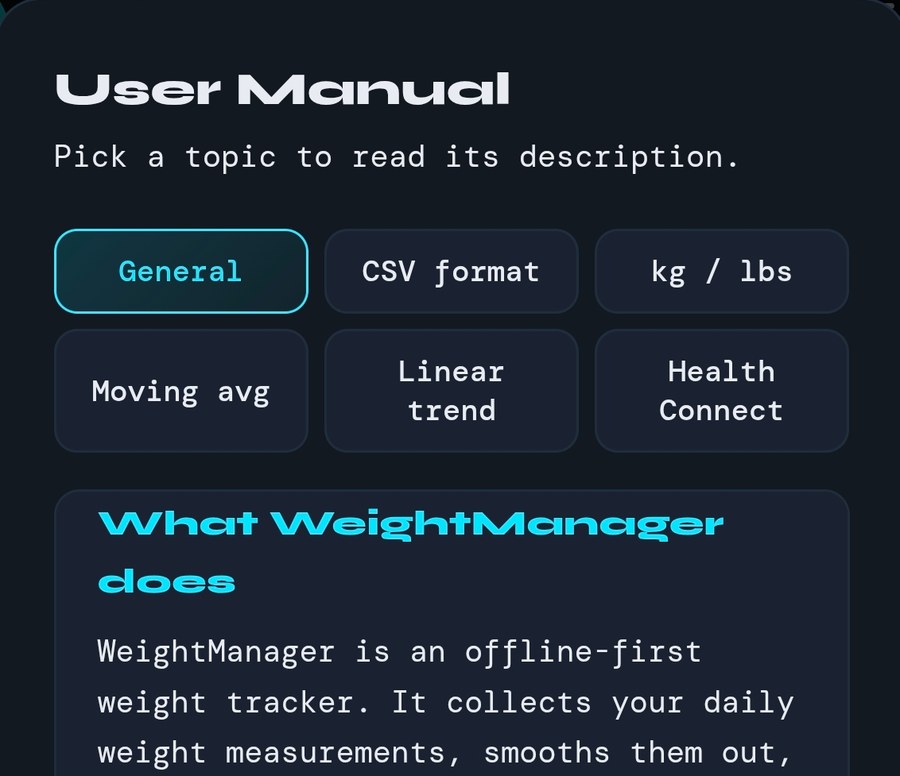
- Works offline, always. No account, no sign-up, and no FitEngineering server to connect to.
What it does with your data
Short answer: nothing| Item | Where it lives |
|---|---|
| Weight entries and settings | Local storage on your device only |
| Account | None. There is no sign-up and no user identity |
| Analytics | None. No Firebase Analytics, no crash reporting, no third-party tracker |
| Advertising | Google AdMob banner in the free version, with an EEA consent form. Removable with a one-off in-app purchase |
| Health Connect | Optional, opt-in. Data moves between the app and Android's health database on your device |
| Device backup | Android Auto Backup copies app data to your Google Drive, so it survives a new phone. Switchable off in Android settings |
| Transmitted off the device | Nothing you enter. Network access is used only for ads and to verify the ad-free purchase |